TL;DR: Most clinical trial websites are invisible to search engines for reasons that have nothing to do with content quality. Trial listings render in JavaScript that Google never sees. Ten study pages share one generic title. Closed studies get deleted, taking years of rankings with them. Therapeutic areas exist as a homepage section instead of …

TL;DR: Most clinical trial websites are invisible to search engines for reasons that have nothing to do with content quality. Trial listings render in JavaScript that Google never sees. Ten study pages share one generic title. Closed studies get deleted, taking years of rankings with them. Therapeutic areas exist as a homepage section instead of pages that could rank. This article covers 15 technical fixes, grouped into crawlability, structured data, page structure, and site architecture. Most are one-time work.
A research site can run excellent studies, treat patients well, and still be effectively invisible when someone searches for a trial in their condition and city. Not because the site is bad, and usually not because the content is wrong, but because of technical decisions nobody consciously made.
This matters more than it used to. Patients increasingly begin with a search or an AI assistant rather than a referral, and both need to be able to read your pages before they can recommend them. A page a crawler cannot parse is a page that does not exist, no matter how good it looks in a browser.
Here are the fifteen fixes worth working through, grouped so you can hand sections to whoever maintains your website.
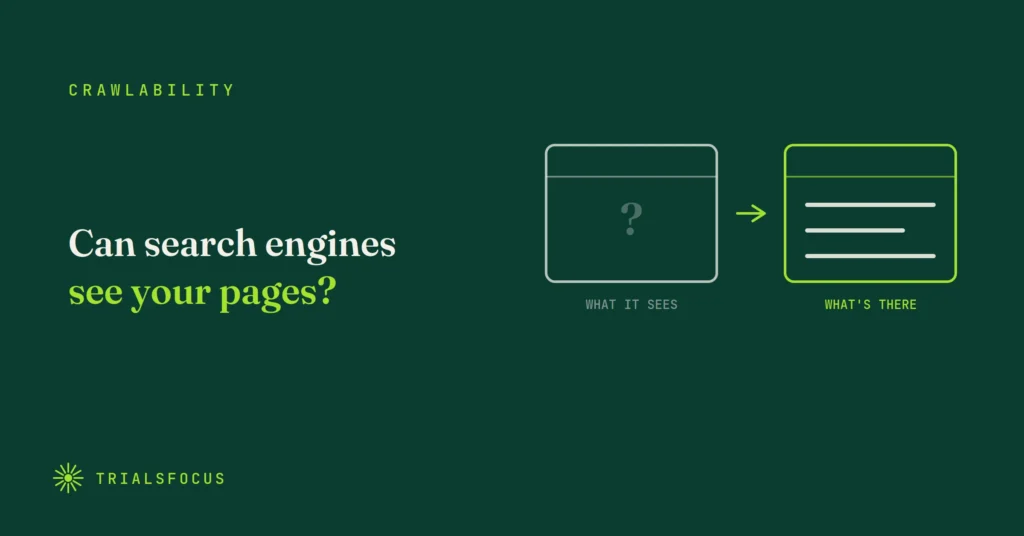
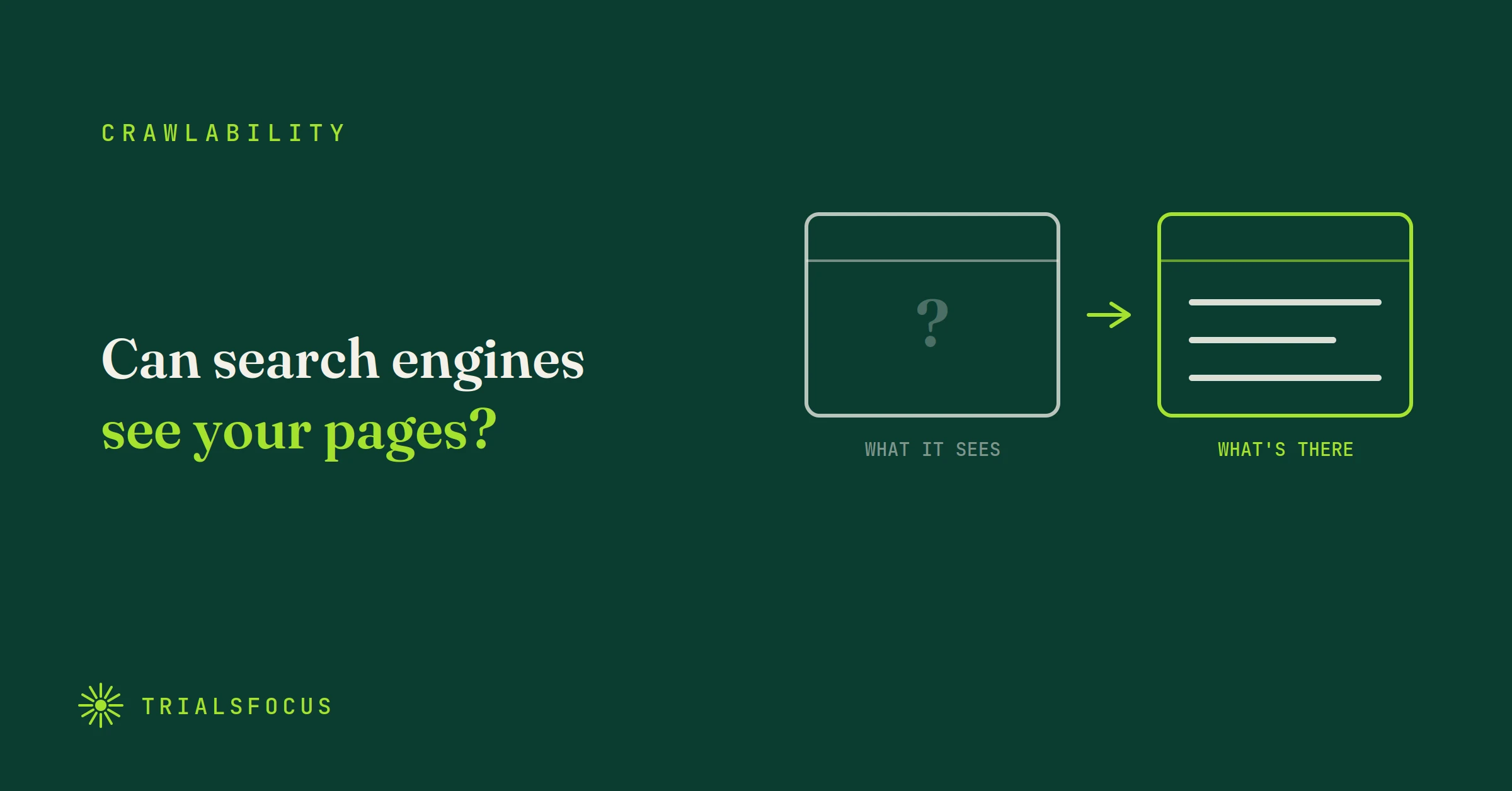
Can search engines actually see your pages?
1. Server-render your trial pages
If your listings only appear after JavaScript loads, Google may see a blank page where your studies should be. Modern crawlers can execute JavaScript, but it happens on a delay and it fails more often than people assume. The safest position is that the content exists in the HTML the server sends, before any script runs.
This is the single most common reason a trial page never ranks. Everything else on this list is irrelevant if the crawler arrives and finds an empty container.
2. Keep robots.txt and your sitemap honest
Robots.txt tells search engines which doors they may open. Your sitemap is the floor plan listing every page you want found. Both need to be accurate, and both need to point at the exact URLs you actually use.
Two failures are common: a robots.txt line left over from a staging site that still blocks a directory, and a sitemap listing URLs that redirect or no longer exist. Also worth checking in 2026, since AI assistants read your site too: make sure you are not blocking AI crawlers unless you have decided to.
3. Pick one URL format and stick to it
Google treats /patient and /patient/ as two different pages. Same with http and https, and with www and non-www. When several versions of the same page are reachable, ranking signals get split across them.
Choose one version, redirect the others, and make sure your canonical tags and sitemap agree with that choice.
4. Fix broken links and redirect chains
Every dead link, and every URL that bounces through three redirects before it lands, wastes the limited time search engines spend crawling your site. On a small site that budget is rarely the bottleneck, but broken links also frustrate patients who were already unsure about clicking.
Audit quarterly. It takes twenty minutes with any crawling tool.
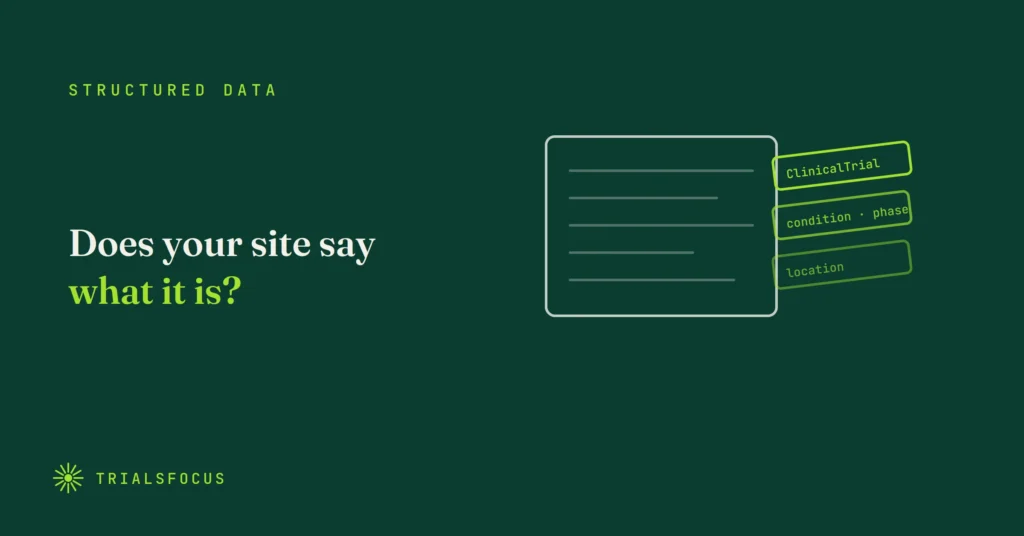
Does your site tell search engines what it is?
5. Add MedicalTrial structured data
Structured data is a hidden label in your page’s code that says: this is a study, here is the condition, here is the sponsor, here is the city, here is whether it is open, and here is its ClinicalTrials.gov number. Search engines and AI tools read the label instead of trying to infer all of that from your prose.
The type you want is MedicalTrial for interventional studies, or MedicalStudy for observational ones. There is no ClinicalTrial type in schema.org, and using that name ships markup that validates as nothing. Put the registry identifier in the code property, which is what the specification tells you to do, and use one of the permitted status values such as Recruiting rather than writing “currently enrolling” as free text.
Be clear about what this buys you. Google publishes no rich result for medical trials, so no snippet appears and the Rich Results Test will report nothing found. Validate at validator.schema.org instead. The payoff is machine readability: an answer engine can establish that your page describes one specific study, in one condition, in one city, open right now. Two things the vocabulary does not cover are trial phase and eligibility criteria, so those stay in the page copy where a patient reads them anyway.
Almost nobody does this. Schema.org’s usage data puts MedicalTrial at under a thousand domains worldwide, and in our scan of 127 US research site websites exactly one used study markup. It is the cheapest differentiator on this list.
6. Add organisation schema for every research site
Each physical location needs its name, address, phone number and coordinates marked up in code, using MedicalClinic with a nested PostalAddress and GeoCoordinates. This is what lets a search engine tie your location page to a real place rather than treating the address as decoration.
One caveat so you spend the effort in the right order: markup alone does not put you in the map pack. A claimed and complete Google Business Profile does that. The schema supports it and reinforces the connection, but the profile is the thing that has to exist first.
Then make the details match exactly across your website, your Google Business Profile and your ClinicalTrials.gov listings. Same legal name, same suite number, same phone. Inconsistency between sources is a trust problem for both humans and machines, and it is one of the most common issues we find.
7. Write a unique title and description for every page
The title and description are your advertisement in the search result. If ten trial pages share the same generic text, search engines have no reason to prefer any of them, and a patient scanning results has no way to tell them apart.
Write titles that name the condition and the location, because that is what people search.
8. Describe your images in alt text
Alt text is a short written description of each image, used by screen readers and by search engines. It serves accessibility compliance and search visibility with the same piece of work, which makes it one of the better returns on the list, especially with ADA Title II accessibility requirements phasing in from April 2026.
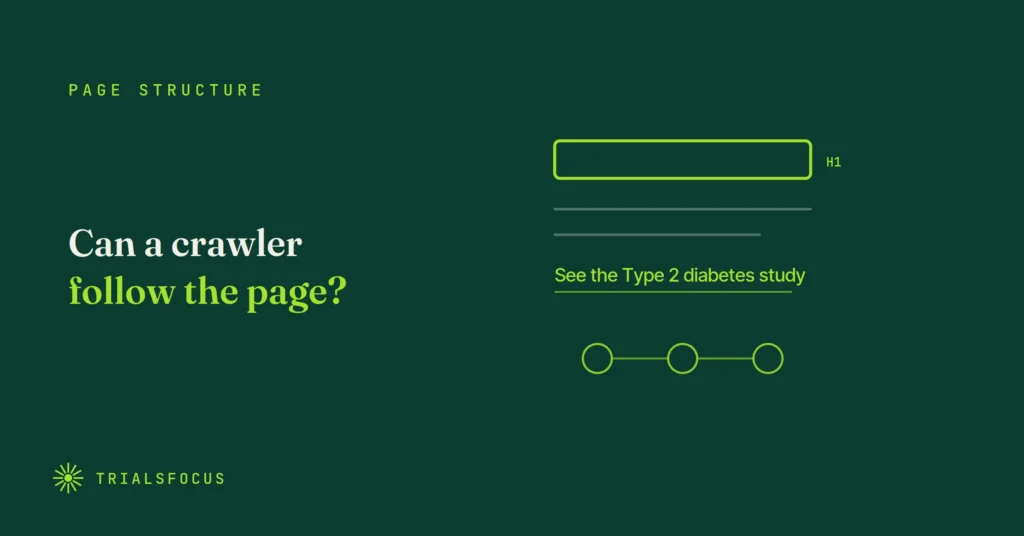
Is your page structured so a crawler can follow it?
9. Give every page one clear H1
The H1 is the page’s headline, and search engines read it as the main topic. Each page needs exactly one, written as a full phrase.
The common failure in website builders is a “headline” split across several decorative text blocks, or three H1s because they looked right visually. Structure and styling are separate decisions.
10. Use descriptive link text
“Read more” tells a search engine nothing. “See the Type 2 diabetes study details” tells it exactly what is on the other end of that click, and tells a patient too.
11. Link your pages to each other on purpose
Internal links are the paths crawlers follow through your site. Every location page should link to the studies running there. Every study should link back to its location and its condition.
Most trial websites are a set of disconnected pages hanging off a menu. Deliberate internal linking is what turns them into a structure that search engines can understand and patients can navigate.
12. Fix mobile speed
Most patients find trials on a phone, often in a waiting room, sometimes late at night. Oversized images and heavy scripts cost you rankings and real enrollments at the same time.
Start with images, which are almost always the problem. Compress them, size them correctly, and load them lazily.
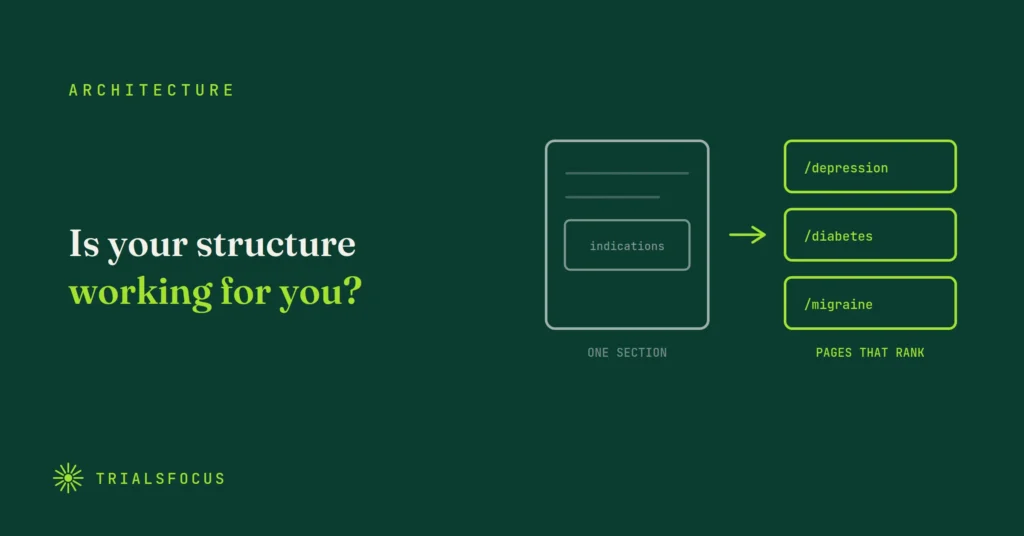
Is your site architecture working for you or against you?
13. Build a real page for every indication
If your therapeutic areas exist only as a section on the homepage, you have zero pages that can rank for “depression clinical trial Atlanta.” That phrase, or its equivalent in your indications, is exactly what patients type.
Each condition deserves its own URL, with plain-language content about that condition, the studies currently enrolling, and the locations running them. This is the highest-leverage item on this list for most sites, because it creates pages that can rank rather than optimizing pages that cannot.
14. Never delete a closed study page
When enrollment ends, the instinct is to delete the page. That throws away every ranking and backlink it earned, often over months.
Redirect it to the relevant indication page instead, or keep it and mark the study as completed. Both preserve the value. A completed-study archive also signals experience to sponsors reviewing your site, which is a second reason not to erase your own history.
15. Secure and separate your eligibility forms
Pre-screening forms collect sensitive health information. Your site needs HTTPS everywhere, and the form pages and thank-you pages should be kept out of search results with a noindex tag.
Nobody wants a patient’s submission confirmation page turning up in a search, and a thank-you page in the index also distorts your analytics.
Where to start
If you can only do three things, do these: build real indication pages (13), make sure your trial content is server-rendered (1), and stop deleting closed studies (14). Those three decide whether you have pages capable of ranking at all.
The rest is maintenance, and maintenance is the part most sites skip. None of this is expensive. It is just unglamorous, and it belongs to someone.
FAQ
Why don’t my clinical trial pages show up on Google? The most common technical cause is JavaScript rendering: the listings load after the page does, so crawlers see an empty container. Other frequent causes are duplicate titles across trial pages, no dedicated page per indication, and closed studies that were deleted rather than redirected.
What structured data should a clinical trial website use? The ClinicalTrial schema type for study pages, covering condition, phase, location and eligibility, plus organization and location markup for each physical research site. Keep the details identical to your ClinicalTrials.gov listings.
Should I delete a study page when enrollment closes? No. Redirect it to the relevant indication page, or keep it and mark the study completed. Deleting discards the rankings and backlinks the page accumulated, and removes evidence of your experience.
How does technical SEO affect AI visibility? AI assistants read the same pages crawlers do. Server-rendered content, structured data, clear headings and consistent information across your website and registry listings all make your site easier for an AI to read accurately and recommend confidently.
How often should this be reviewed? A quarterly check covering broken links, redirect chains, sitemap accuracy and current study status is enough for most research sites. The larger structural items are one-time work.